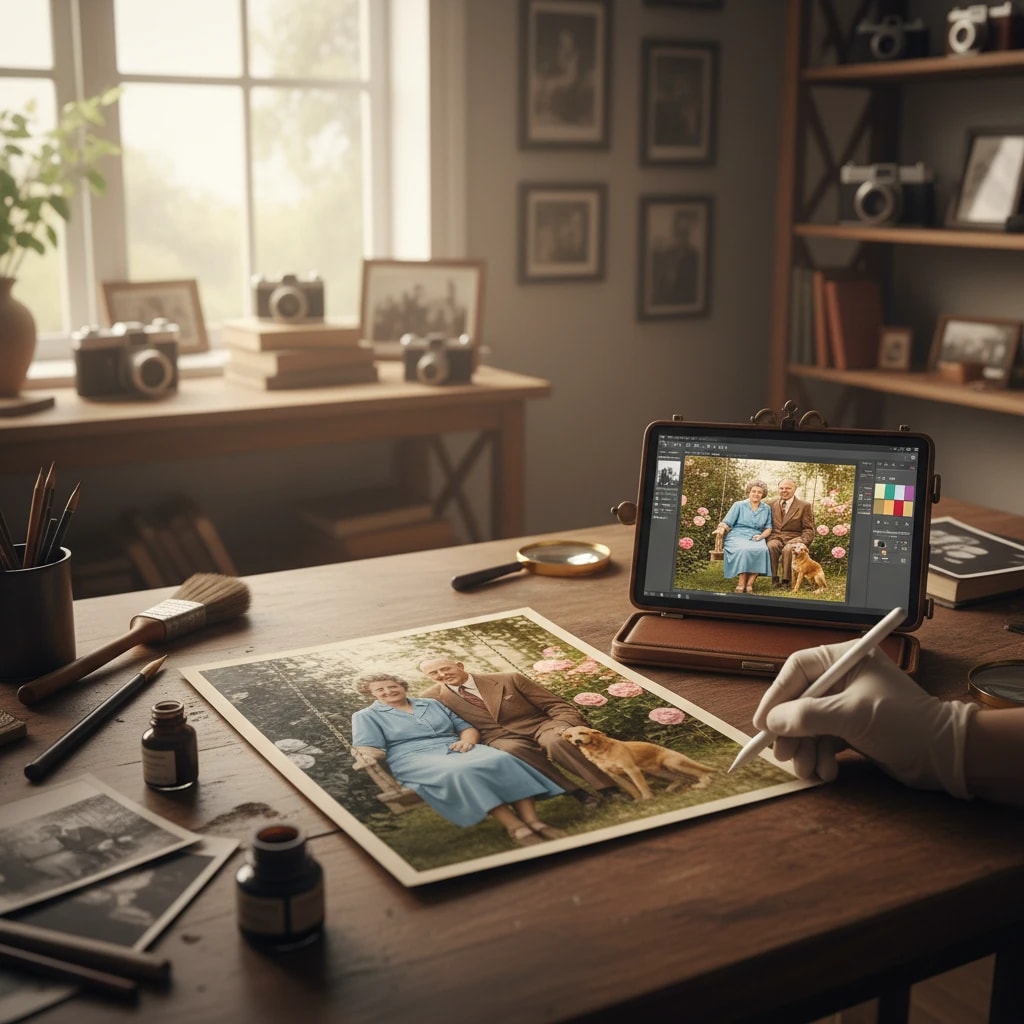
Preserving History with AI
Every Indian household has that one album. Photos of grandparents, weddings from the 70s, blurry black and white memories that are slowly fading away, yellowing with age, torn at the edges. These photographs are more than just images—they're windows into our past, connections to our ancestors, and precious family heirlooms. Old Photo Restoration using Artificial Intelligence is one of the most emotional and powerful applications of modern technology, allowing us to bring these fading memories back to vibrant life.
In the past, restoring old photos required expensive professional services, costing anywhere from ₹2,000 to ₹10,000 per image. The process was time-consuming, often taking weeks, and required skilled artists with specialized knowledge. Today, AI has democratized this process, making professional-quality photo restoration accessible to everyone, completely free of charge.
What Can Our AI Tool Do?
Our advanced AI-powered photo restoration tool can perform multiple restoration tasks simultaneously, bringing your old photos back to their former glory:
- Colorization: Accurately predicts and applies colors for clothes, skin tones, backgrounds, and objects in black and white photos. The AI understands cultural context—it knows that a traditional Indian saree should be vibrant, that marigold garlands are orange and yellow, and that Indian skin tones have specific characteristics.
- Scratch Removal: Identifies dust, tears, scratches, creases, and other physical damage and digitally "heals" them, seamlessly filling in missing areas using advanced inpainting technology.
- Face Enhancement: Sharpens blurry faces, bringing out details that were lost in time. It can enhance facial features, improve clarity, and restore definition to faded portraits.
- Noise Reduction: Removes grain, film artifacts, and digital noise that accumulate over time, resulting in cleaner, sharper images.
- Contrast and Brightness Adjustment: Automatically corrects exposure issues, bringing out details in overexposed or underexposed areas.
- Color Correction: Fixes color shifts, yellowing, and fading that occur as photos age, restoring original color balance.
- Resolution Enhancement: Upscales low-resolution scans while maintaining detail and sharpness.
The Emotional Impact of Photo Restoration
Photo restoration isn't just about technical improvement—it's about preserving memories and connecting generations. Imagine showing your grandmother her wedding photo from 1965, now in full color, with every detail sharp and clear. Or presenting your children with a restored photo of their great-grandfather, seeing his face clearly for the first time. These moments create powerful emotional connections and help preserve family history for future generations.
How It Works: The Technology Behind Photo Restoration
Our Gemini-powered AI uses sophisticated deep learning algorithms trained on millions of modern and historical images. The restoration process involves several advanced techniques:
1. Image Analysis
The AI first analyzes your photo to identify:
- Areas of damage (scratches, tears, stains)
- Facial features and their positions
- Objects and their likely colors based on context
- Background elements and their historical accuracy
- Overall image quality and areas needing enhancement
2. Colorization Process
For black and white photos, the AI uses a process called semantic colorization. It doesn't just guess colors randomly—it understands context:
- Recognizes traditional Indian clothing (sarees, dhotis, kurtas) and applies culturally appropriate colors
- Identifies skin tones based on regional characteristics
- Understands natural elements (trees are green, sky is blue, flowers have specific colors)
- Recognizes architectural elements and applies historically accurate colors
- Uses machine learning to predict colors based on greyscale values and context
3. Damage Repair
Using advanced inpainting technology, the AI:
- Identifies damaged areas using edge detection and pattern recognition
- Analyzes surrounding pixels to predict what should be in the damaged area
- Generates seamless replacements that match the original photo's style
- Maintains consistency with the rest of the image
4. Enhancement
The final step involves:
- Sharpening algorithms to bring out lost details
- Noise reduction to clean up grain and artifacts
- Contrast and brightness optimization
- Color balance correction
Step-by-Step Guide to Restoring Your Old Photos
Restoring your old family photos is simple and takes just a few minutes:
- Digitize Your Photo: If your photo is physical, scan it or take a high-quality photo with your smartphone. Ensure good lighting and avoid shadows. For best results, use a flatbed scanner at 300 DPI or higher.
- Upload to Our Tool: Navigate to our Old Photo Restoration tool and upload your image. Supported formats include JPG, PNG, and WebP.
- Select Restoration Options: Choose what you want to restore:
- Colorization (for black and white photos)
- Scratch and damage removal
- Face enhancement
- Overall quality improvement
- Process the Image: Click "Restore" and wait 10-30 seconds while our AI works its magic.
- Review and Download: Compare the before and after. If you're satisfied, download the restored high-resolution image. If not, you can adjust settings and try again.
Tips for Best Restoration Results
To get the most out of our photo restoration tool, follow these professional tips:
- High-Quality Scans: The better the input, the better the output. Scan photos at 300 DPI or higher. If using a phone camera, ensure good lighting and hold the phone steady.
- Clean the Photo First: Gently remove dust and debris from physical photos before scanning. Use a soft, lint-free cloth.
- Multiple Attempts: Don't hesitate to try different restoration settings. Some photos benefit more from colorization, others from sharpening.
- Be Patient with Complex Damage: Severely damaged photos may require multiple passes. Start with overall restoration, then focus on specific areas if needed.
- Provide Context: If you know details about the photo (year, location, occasion), you can add notes that help the AI make better color predictions.
Types of Photos You Can Restore
Our tool works excellently with various types of old photos:
- Wedding Photos: Restore the magic of your parents' or grandparents' wedding day with full color and clarity.
- Family Portraits: Bring old family photos back to life, making it easier to see family resemblances across generations.
- Childhood Photos: Restore your own childhood memories, seeing yourself in color for the first time.
- Historical Photos: Preserve important historical moments, whether family events or community gatherings.
- Damaged Photos: Repair photos that have been torn, scratched, or damaged over time.
- Faded Photos: Restore photos that have lost their color and clarity due to age.
Real-World Success Stories
Thousands of users have successfully restored their precious memories:
- Ramesh from Mumbai: Restored his grandmother's 1950s wedding photo, bringing tears of joy to his entire family when they saw it in full color for the first time.
- Sunita from Delhi: Fixed a torn photo of her late father, the only photo she had of him, creating a perfect copy for all her siblings.
- Vikram from Bangalore: Colorized a black and white photo of his great-grandparents, creating a stunning family heirloom that now hangs in his living room.
- Priya from Chennai: Restored dozens of old family photos, creating a digital archive that she shared with relatives across the world.
Privacy and Security
We understand that old family photos are deeply personal and private. That's why we've implemented strict privacy measures:
- No Storage: Your photos are processed in real-time and immediately deleted from our servers after restoration.
- Encrypted Processing: All image processing happens over secure, encrypted connections.
- No Sharing: Your photos are never shared with third parties or used for training without explicit consent.
- Session-Based: All temporary data is wiped once your session ends.
You can trust us with your most precious memories.
Comparing with Professional Services
Traditional photo restoration services charge significant fees:
- Basic restoration: ₹2,000-5,000 per photo
- Colorization: ₹3,000-8,000 per photo
- Complex damage repair: ₹5,000-15,000 per photo
- Turnaround time: 1-3 weeks
Our AI tool provides professional-quality results:
- 100% free
- Instant results (10-30 seconds)
- No waiting, no appointments
- Unlimited restorations
Conclusion
Old photo restoration is more than just a technical process—it's a way to preserve memories, connect with our past, and create lasting family heirlooms. With our free AI-powered tool, you can restore countless old photos, bringing your family's history back to vibrant life. Whether you want to colorize a black and white wedding photo, repair a torn family portrait, or enhance a faded childhood memory, our tool makes it possible in seconds, completely free. Start restoring your family's precious memories today at aipicturegenerator.in.
Frequently Asked Questions
Is it safe to upload personal family photos?
Yes, absolutely. We use secure encryption and delete all photos automatically after processing. Your photos are never stored on our servers or shared with anyone. We understand these are precious family memories and treat them with the utmost respect and privacy.
Can it fix severely torn or damaged photos?
Yes, our AI is trained to fill in missing gaps and repair tears, scratches, and other damage in old photographs. However, extremely damaged photos (with more than 50% missing) may require multiple restoration passes or may have some limitations. For best results, try restoring the photo in stages.
How accurate is the colorization for Indian photos?
Our AI is specifically trained on Indian cultural contexts, so it's highly accurate for traditional clothing, skin tones, and cultural elements. It recognizes sarees, dhotis, traditional jewelry, and applies culturally appropriate colors. However, for specific color requests (like "my grandmother's saree was red"), you may need to use image editing software for fine-tuning.
What file formats do you support?
We support JPG, PNG, and WebP formats. For best results, use high-resolution scans (300 DPI or higher) in PNG format to preserve maximum detail.
How long does the restoration process take?
Most photos are restored in 10-30 seconds. Complex restorations with multiple types of damage may take up to 60 seconds. The processing time depends on image size and complexity of damage.
Can I restore multiple photos at once?
Currently, our tool processes one photo at a time to ensure the best quality results. However, you can restore unlimited photos sequentially, completely free. Many users restore entire family albums this way.
Will the restored photo look natural or artificial?
Our AI is trained to produce natural-looking results. The colorization maintains realistic skin tones, and the restoration preserves the original photo's character and style. The goal is to enhance, not to make it look artificially modern.
Can I use the restored photos commercially?
Yes, you have full rights to use restored photos for any purpose, including commercial use. However, note that if the original photo contains copyrighted elements, those rights remain with the original copyright holder.