
✂️Free Background Remover AI - Transparent BG
Remove backgrounds from images automatically in 5 seconds.
0/1000
AI Canvas Empty
Remove Backgrounds in 3 Simple Steps
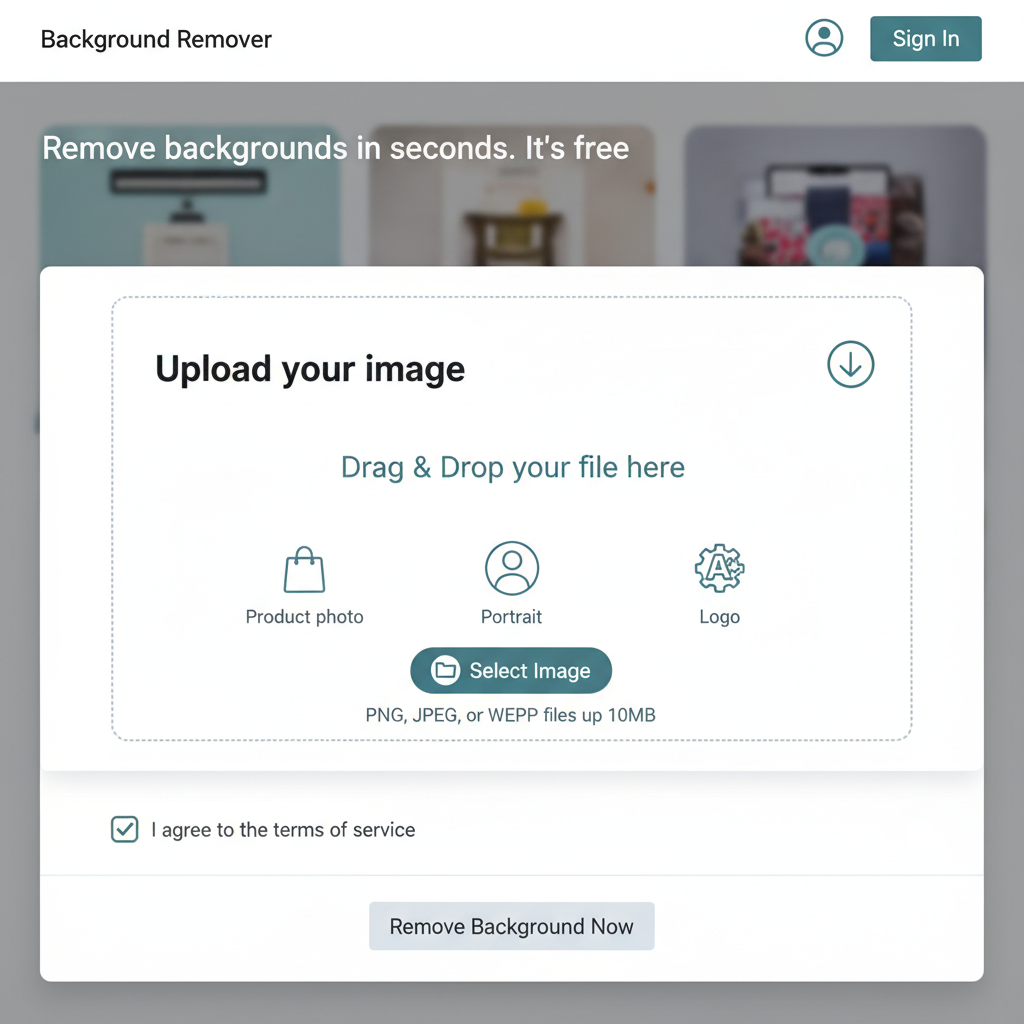
Step 1: Upload Image
Select the image you want to edit. It can be a product photo, a portrait, or a logo.
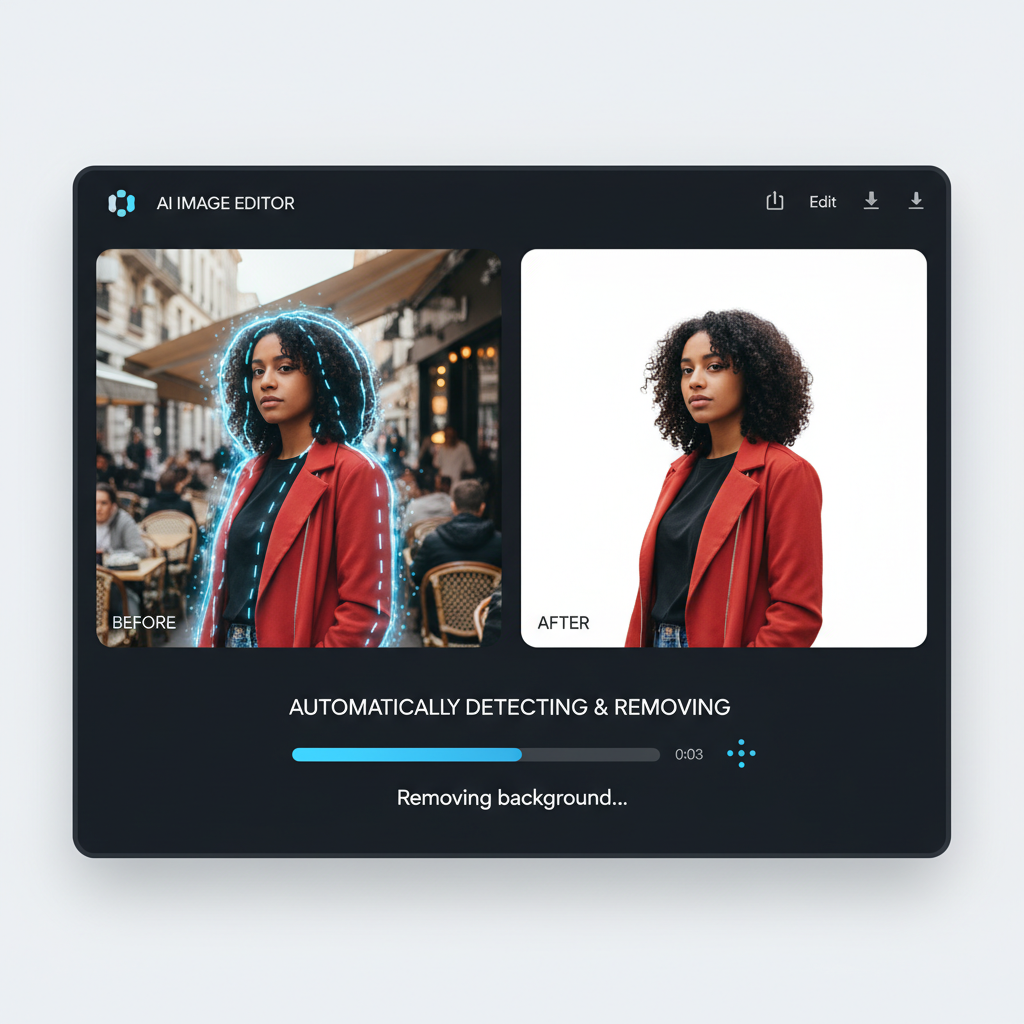
Step 2: Auto Removal
Wait just a few seconds. Our AI automatically detects the subject and removes the background with precision.
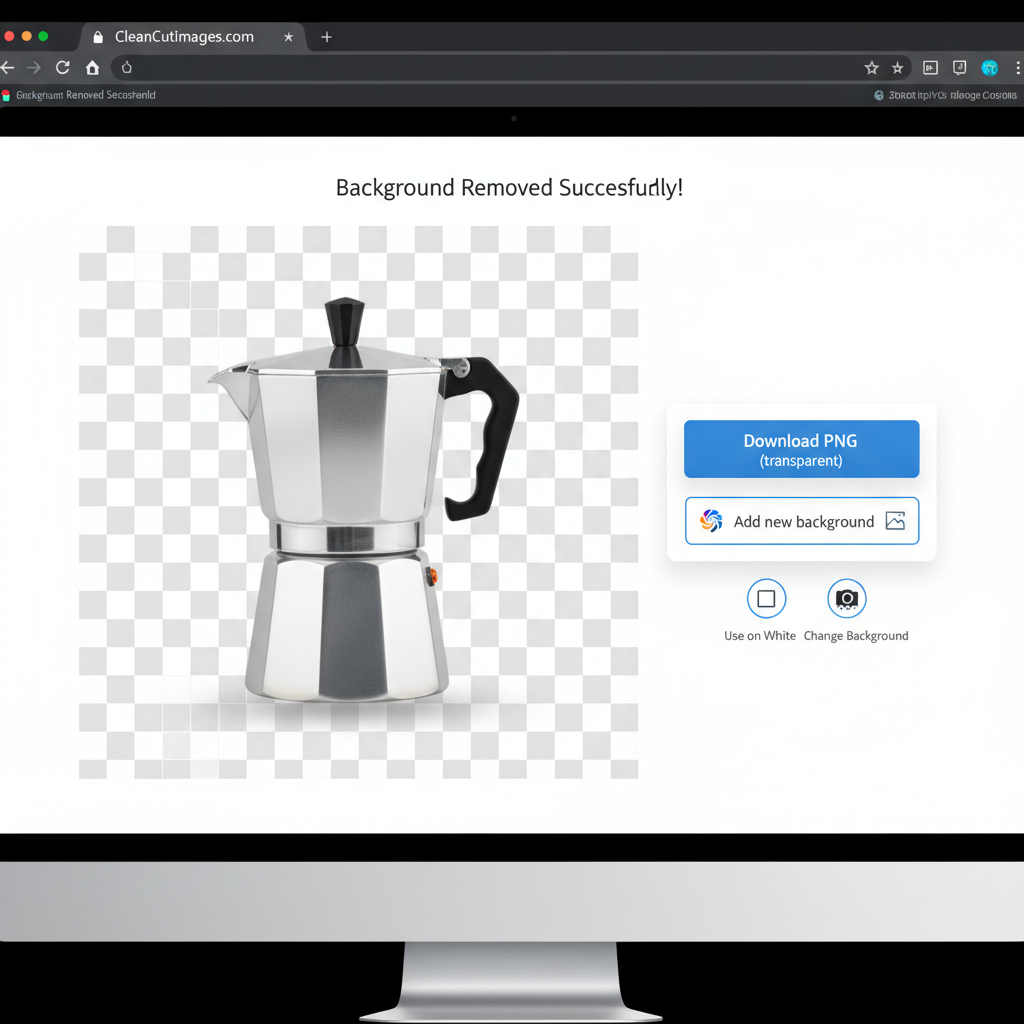
Step 3: Download Transparent
Download your image with a transparent background (PNG) or add a new color/image background instantly.
The Essential Tool for E-Commerce
Selling on Amazon, Flipkart, or Meesho? You need clean, white-background product photos. Our Background Remover AI detects the subject instantly and erases the background with surgical precision, even handling tricky details like hair or fur.
Why use AI for this?
Manual selection in Photoshop takes 10 minutes. Our AI takes 5 seconds. It's optimized for:
- Product Photography: Shoes, gadgets, jewelry.
- Passport Photos: Change messy backgrounds to plain white or blue.
- Logos & Signatures: Make your scanned signature transparent for documents.
? Frequently Asked Questions
Yes, you just upload the image. No manual selection required.
No, the subject remains in its original high quality. Only the background is removed.
Yes! After removing the background, use the prompt box to place your subject in a new environment.
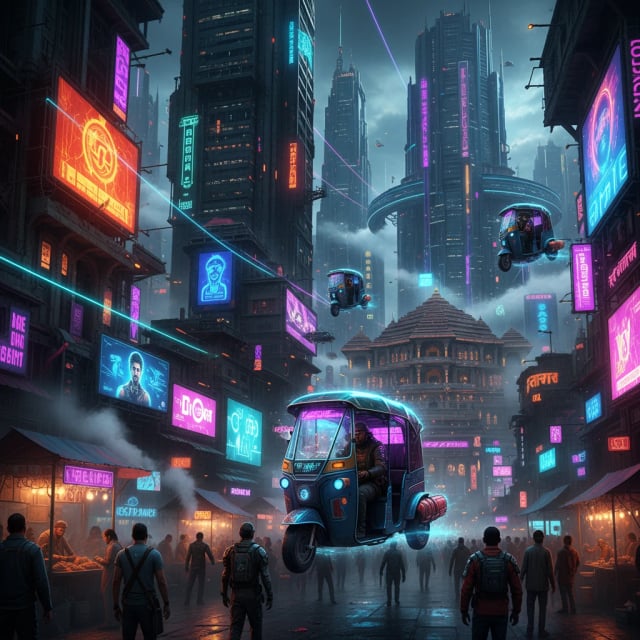
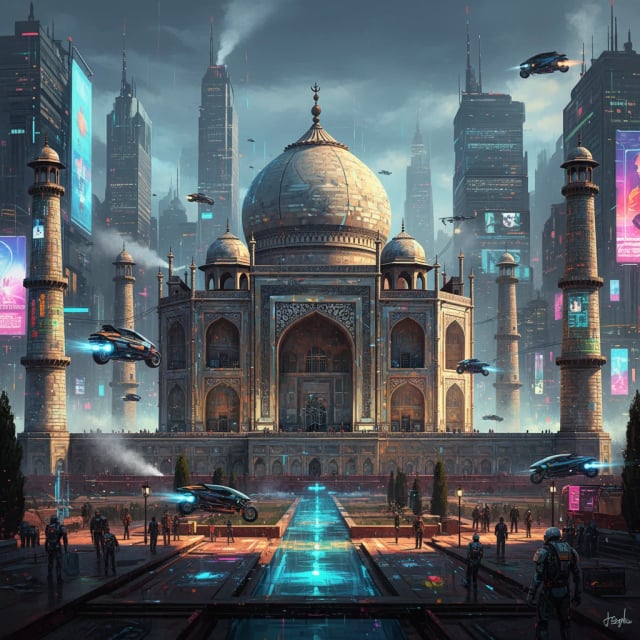
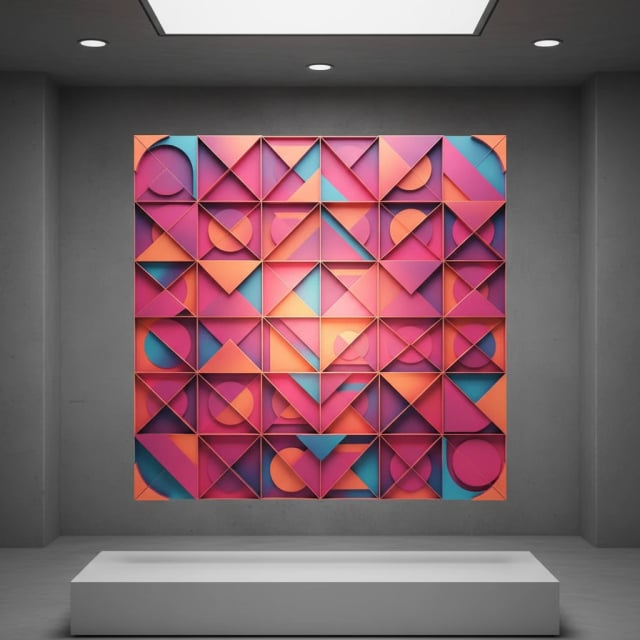
🔥 Inspiration
Use

Use
Use

Use

Use
Use
Pro Tips
- • Use specific keywords like "Cyberpunk", "Oil Painting".
- • Mention lighting: "Cinematic lighting", "Neon lights".
- • For Hindi, keep sentences simple.