
🔍AI Image Upscaler - Enhance to 4K
Fix blurry photos and increase resolution without losing quality.
0/1000
AI Canvas Empty
Enhance Images in 3 Simple Steps
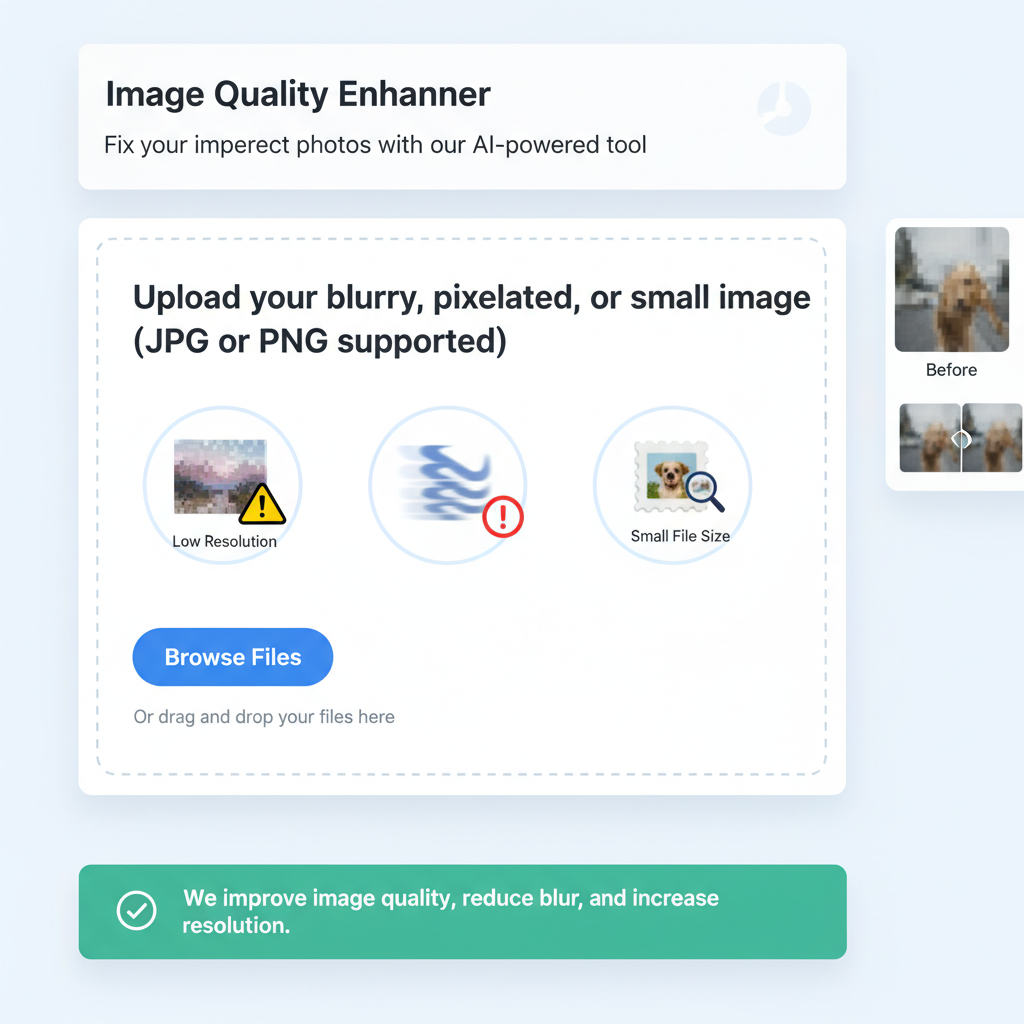
Step 1: Upload Low-Res Photo
Upload your blurry, pixelated, or small image. We support JPG and PNG formats.
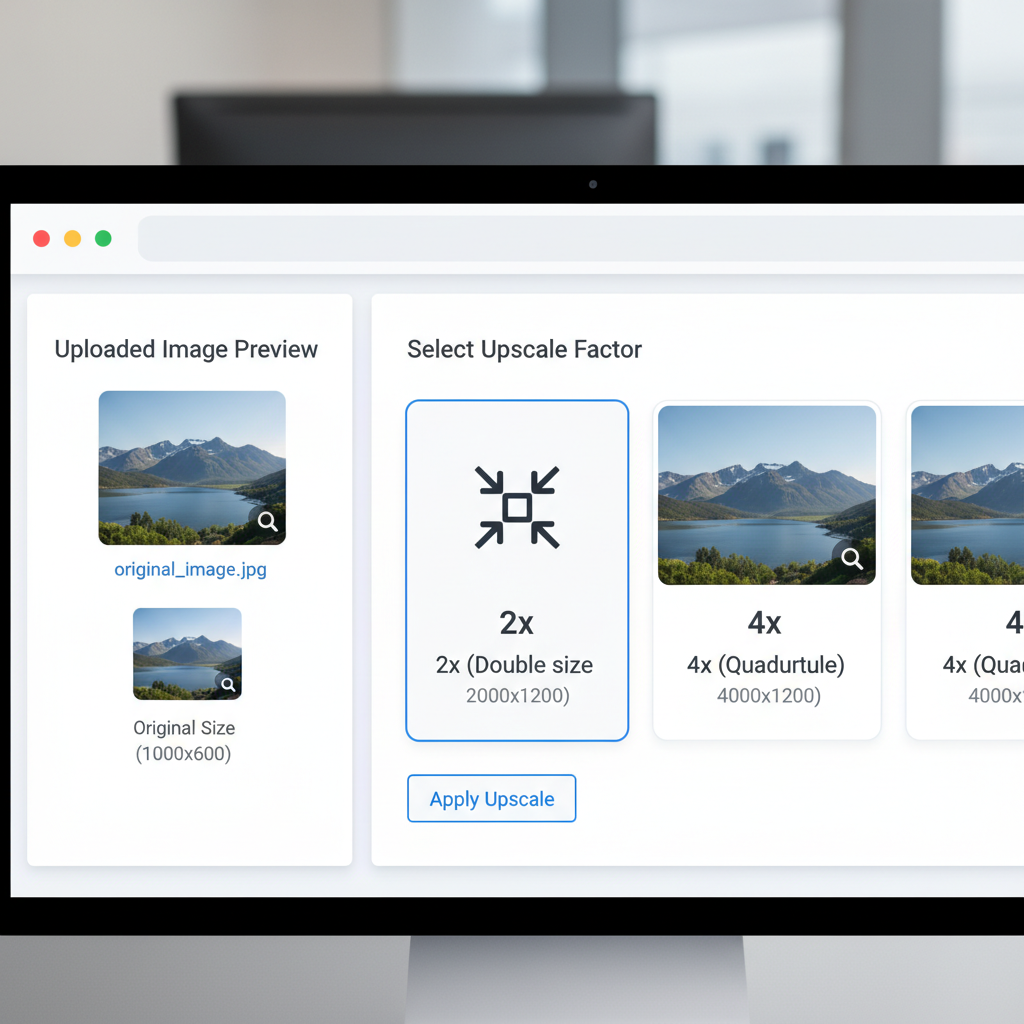
Step 2: Select Upscale Factor
Choose how much you want to enlarge the image: 2x (Double size) or 4x (Quadruple size) for maximum clarity.
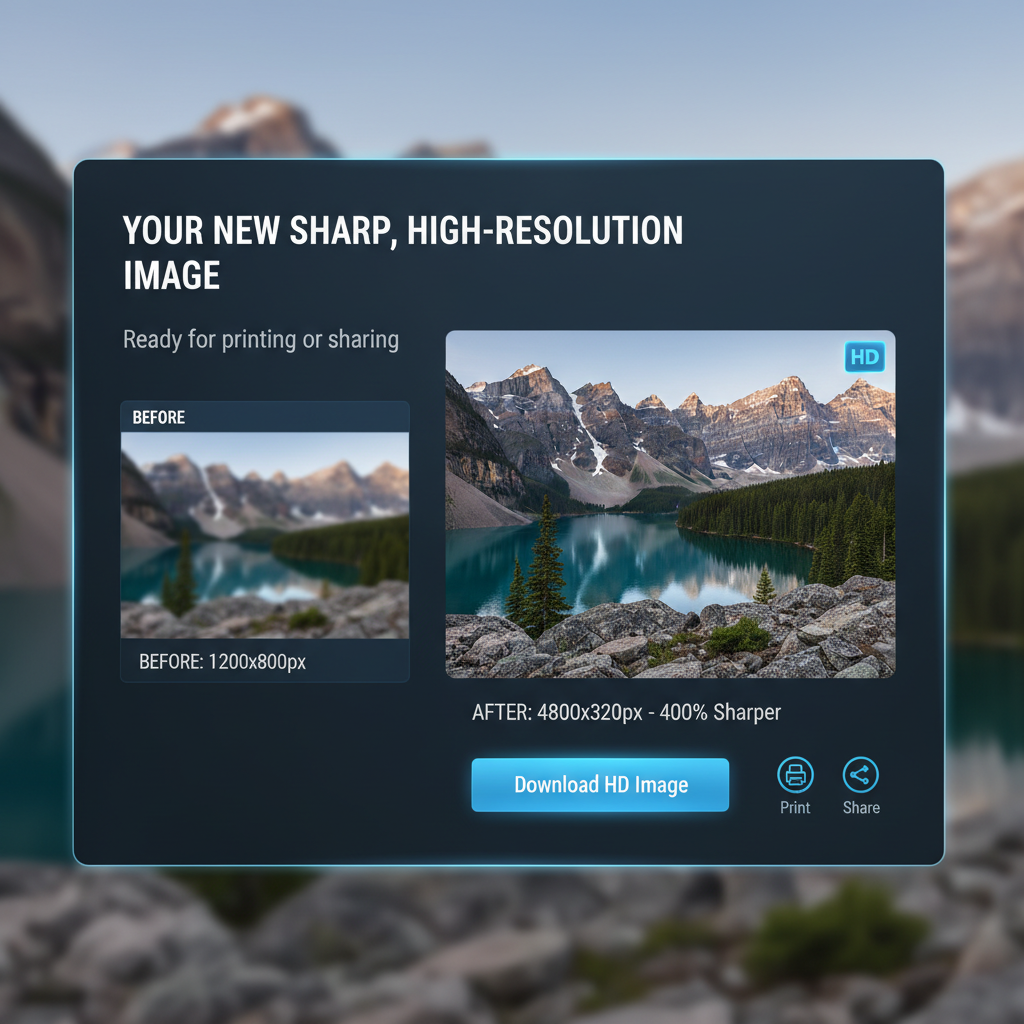
Step 3: Download HD Image
Our AI reconstructs the details. Download your new, sharp, high-resolution image ready for printing or sharing.
Fix Low-Quality WhatsApp Images
We have all been there—you receive a great photo on WhatsApp but it's blurry and pixelated. Our AI Image Upscaler uses 'Super Resolution' technology to add missing pixels, sharpen edges, and reduce noise.
Features:
- 2x and 4x Upscaling: Turn a 500px image into a 2000px poster-quality image.
- Face Restoration: Specifically enhances facial features in group photos.
- Print Ready: Make your small phone photos ready for framing.
? Frequently Asked Questions
It can significantly sharpen slightly blurry photos, but completely out-of-focus images may have limitations.
For unblurring and adding resolution, AI often outperforms traditional sharpening tools.
Upscaling to 4K usually takes about 5-10 seconds depending on the complexity.
🔥 Inspiration
Use
Use
Use
Use
Use
Use
Pro Tips
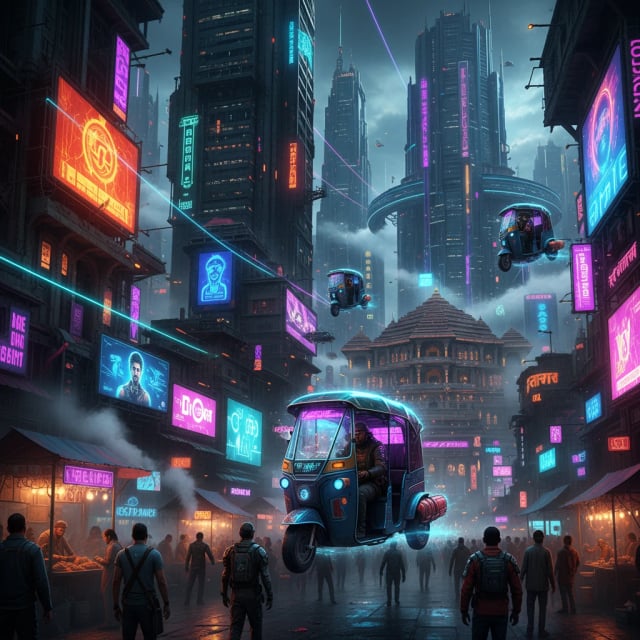
- • Use specific keywords like "Cyberpunk", "Oil Painting".
- • Mention lighting: "Cinematic lighting", "Neon lights".
- • For Hindi, keep sentences simple.