
✏️Sketch to Reality AI - Turn Drawings into Photos
Convert rough sketches and line art into photorealistic masterpieces with India's most advanced AI technology.
AI Canvas Empty
Turn Sketches into Reality in 3 Simple Steps
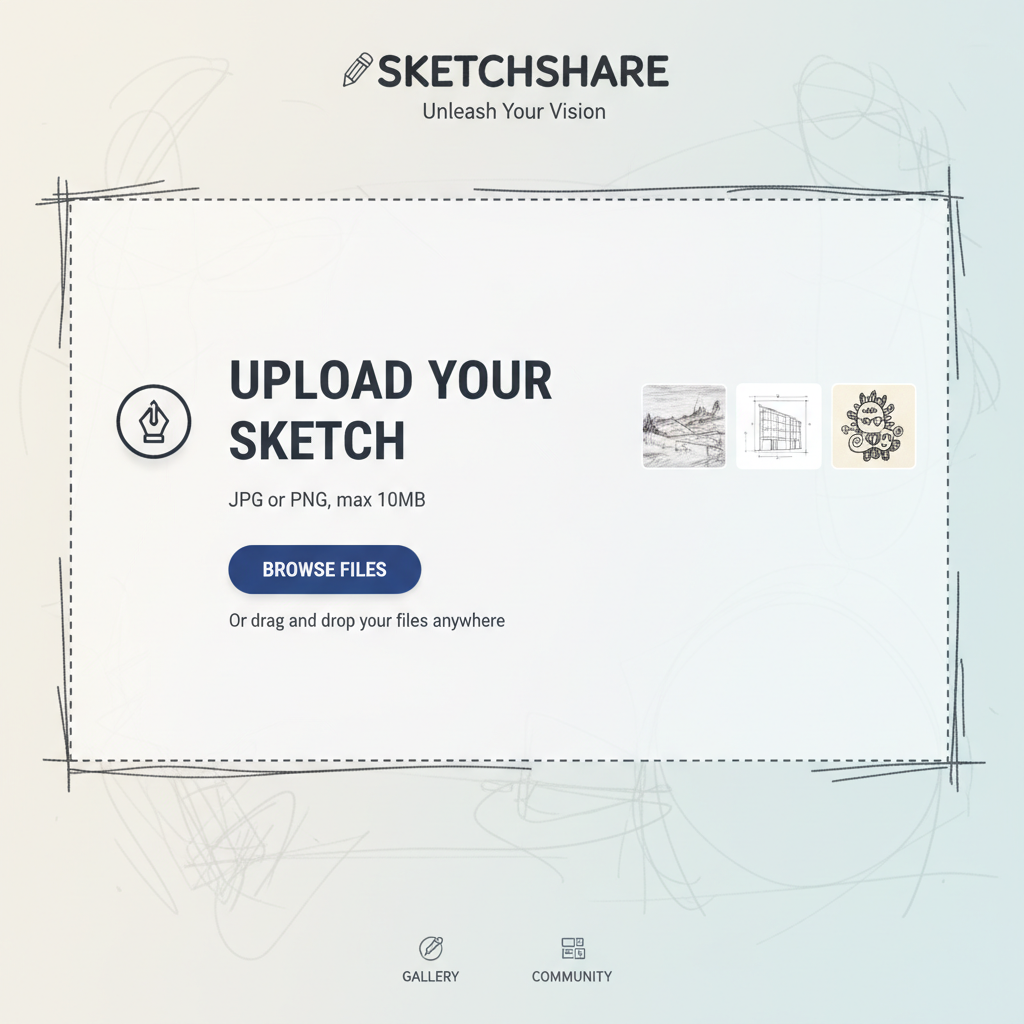
Step 1: Upload Your Sketch
Upload a clear photo or scan of your drawing. It can be a rough pencil sketch, a line drawing, or a detailed doodle.
Step 2: Describe the Scene
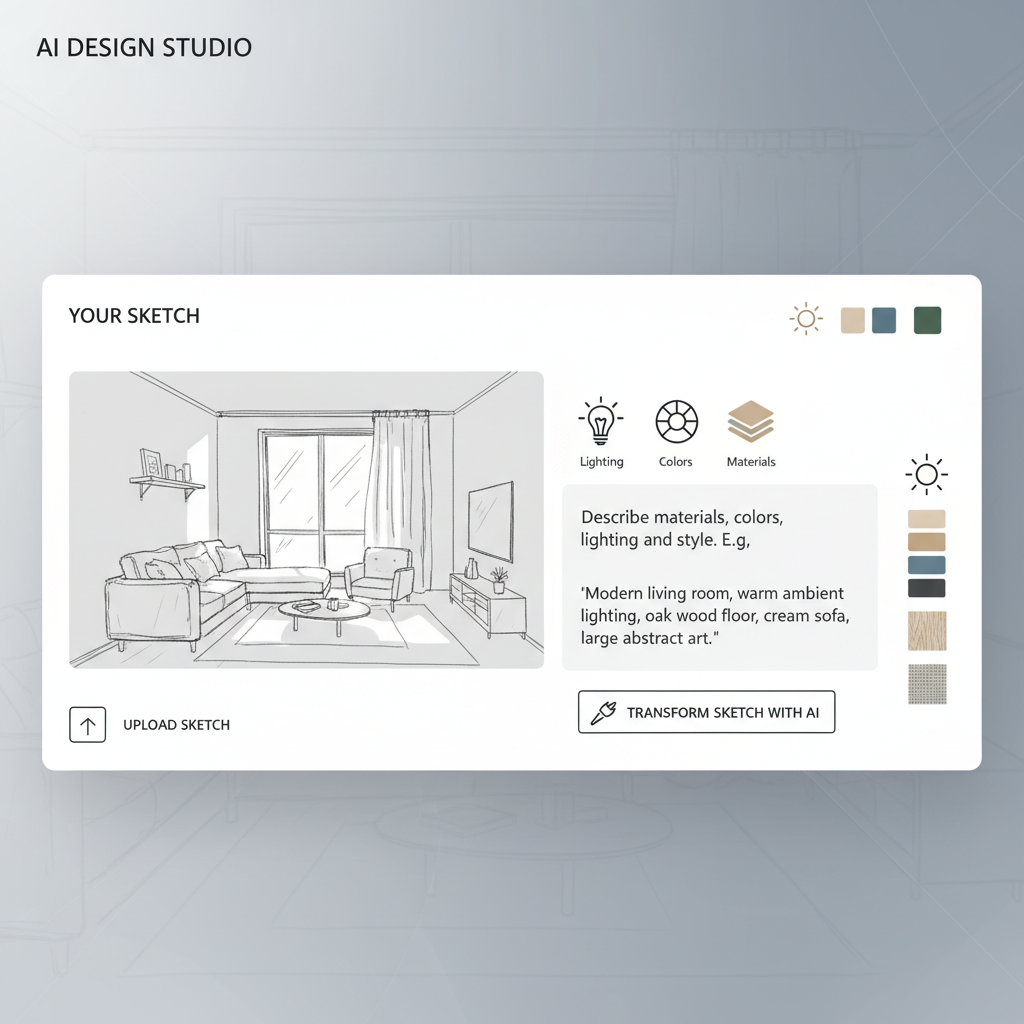
Add a text prompt to guide the AI. Describe the materials, colors, lighting, and style you want (e.g., "Modern living room, warm lighting").
Step 3: See the Magic
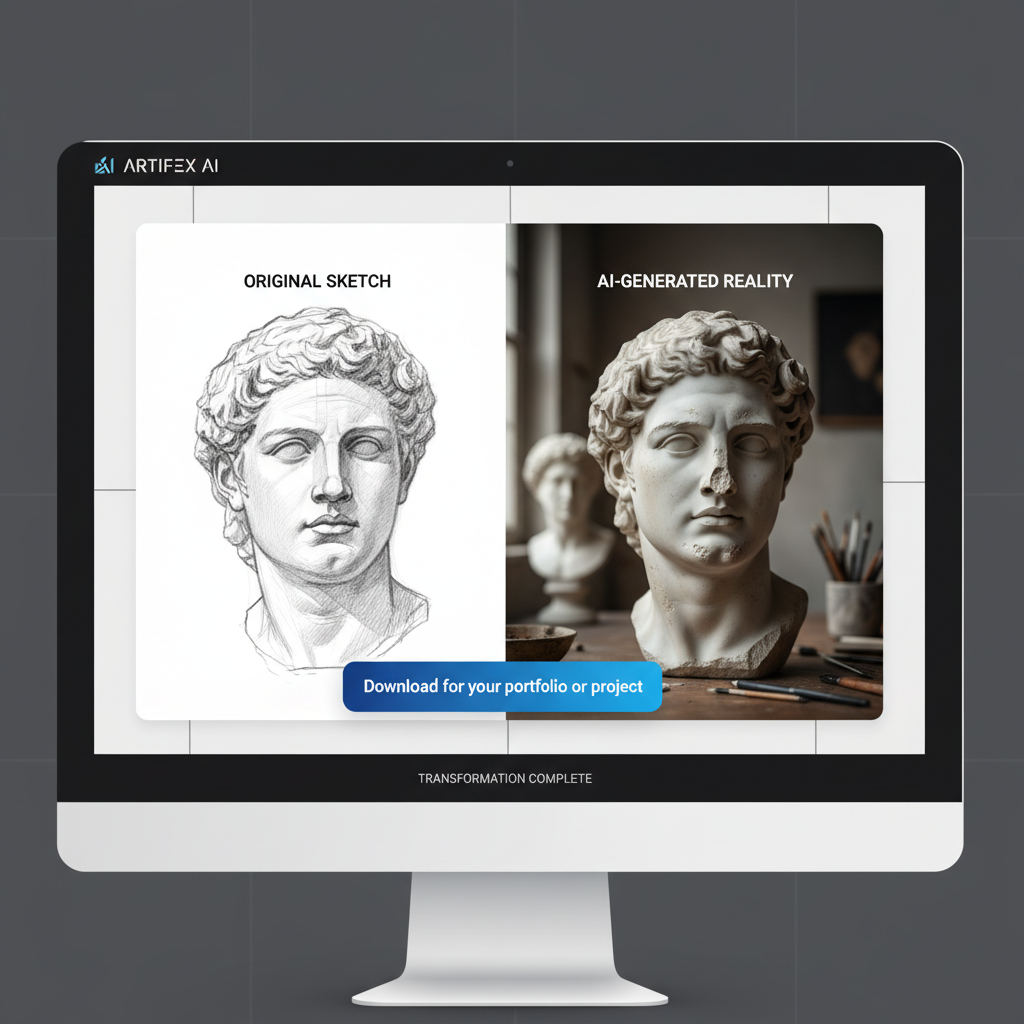
The AI transforms your sketch into a photorealistic image in seconds. Download the result for your portfolio or project.
From Paper Napkin to 4K Reality: Transform Your Sketches Instantly
Have you ever drawn something on paper and wished you could see it come to life? Architects, interior designers, fashion designers, concept artists, and even casual doodlers—this is the revolutionary tool you've been waiting for. Sketch to Real AI by aipicturegenerator.in takes your rough line drawings, simple sketches, or even basic doodles and transforms them into fully textured, professionally lighted, photorealistic masterpieces that look like they were captured by a professional photographer.
How Does Sketch to Real AI Work?
Our advanced AI technology uses deep learning algorithms trained on millions of real-world images to understand the structure, depth, and context of your sketches. When you upload a drawing, the AI analyzes every line, curve, and shape to understand what you're trying to create. It then intelligently adds realistic textures, proper lighting, shadows, colors, and details that transform your simple sketch into a stunning, photorealistic image.
The process is remarkably simple: upload your sketch (JPG or PNG format), optionally add a text prompt describing what you want (like "modern living room with beige sofa and warm lighting"), and watch as our AI transforms your drawing into a professional-quality photograph in just seconds. The AI preserves the core structure and composition of your original drawing while intelligently filling in realistic details, textures, and lighting that bring your vision to life.
Perfect Use Cases for Sketch to Real AI
This powerful tool has applications across numerous industries and creative fields:
Interior Design and Architecture
Architects and interior designers can quickly visualize their concepts without spending hours on detailed 3D modeling. Simply sketch a room layout, furniture arrangement, or architectural element, upload it, and add a descriptive prompt like "Modern minimalist living room with beige sofa, wooden coffee table, large windows with natural light, plants in corners, warm afternoon lighting". The AI will render a photorealistic visualization that helps clients understand the final design before construction begins. This saves time, reduces costs, and helps win more projects by showing clients exactly what their space will look like.
Fashion Design
Fashion designers can sketch clothing outlines, dress designs, or accessory concepts and let the AI add realistic fabric textures, folds, drapes, colors, and patterns. Whether you're designing traditional Indian wear like sarees and kurtas, or modern fusion fashion, the AI understands fabric behavior and renders it realistically. Describe your vision: "Silk saree in deep maroon with gold border, elegant drape, studio lighting" and watch your sketch transform into a professional fashion photograph.
Concept Art and Character Design
Game developers, animators, and concept artists can turn rough character sketches, creature designs, or environment concepts into polished, photorealistic images. Even stick figures can become detailed warriors, monsters, or fantasy characters. The AI understands character proportions, anatomy, and can add realistic details like clothing textures, skin tones, hair, and environmental elements.
Product Design
Product designers can quickly visualize how their sketches will look as finished products. Draw a rough outline of a gadget, furniture piece, or any product, and the AI will render it with realistic materials, lighting, and professional product photography quality.
Educational and Personal Projects
Students learning design, architecture, or art can use this tool to see their concepts come to life, making learning more engaging and visual. Parents can turn their children's drawings into realistic images, creating memorable keepsakes. Hobbyists and creative enthusiasts can experiment with bringing their ideas to reality without needing expensive software or professional skills.
Why Choose Our Sketch to Real AI?
Unlike other tools that require expensive subscriptions or complex software, our Sketch to Real AI is completely free and accessible to everyone. You don't need to be a professional artist or have years of drawing experience—even rough sketches and simple doodles work perfectly. The AI is intelligent enough to understand your intent and fill in the details.
Our tool is optimized for Indian users, understanding local design aesthetics, cultural elements, and regional preferences. Whether you're designing a traditional Indian home interior, creating fashion inspired by Indian textiles, or visualizing architectural concepts for Indian buildings, our AI understands the context and delivers results that resonate with Indian design sensibilities.
The technology is incredibly fast—most transformations complete in under 10 seconds. You can iterate quickly, trying different prompts and variations until you achieve the perfect result. All generated images are high-resolution and suitable for professional use, presentations, portfolios, or printing.
Tips for Best Results
To get the most realistic and accurate results from Sketch to Real AI, follow these expert tips:
- Clear Line Work: While rough sketches work, clearer lines help the AI better understand your intent. Use a dark pen or marker for better contrast.
- Detailed Prompts: The more descriptive your text prompt, the better the results. Include details about materials, colors, lighting, style, and mood.
- Good Photo Quality: Take a clear photo of your sketch with good lighting. Avoid shadows and ensure the entire drawing is visible.
- Iterate and Refine: Don't hesitate to generate multiple versions with different prompts to find the perfect result.
- Combine with Other Tools: Use our Background Remover or Image Upscaler tools to further enhance your generated images.
Commercial Use and Rights
All images generated using our Sketch to Real AI tool belong to you. You have full commercial rights to use them for business purposes, client presentations, marketing materials, portfolios, or any other professional use. There are no watermarks, no usage restrictions, and no hidden fees. This makes it perfect for freelancers, agencies, and businesses looking to create professional visualizations without the cost of hiring photographers or 3D artists.
? Frequently Asked Questions
🔥 Inspiration
Pro Tips
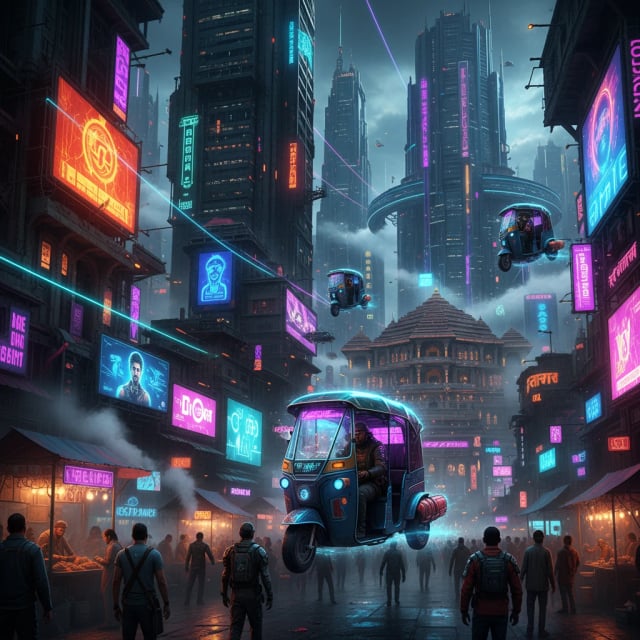
- • Use specific keywords like "Cyberpunk", "Oil Painting".
- • Mention lighting: "Cinematic lighting", "Neon lights".
- • For Hindi, keep sentences simple.